When shopping for a dash camera, you want to make sure you get something that really works for you. Here are some key features to keep an eye on:
Keep these features in mind while you shop. A solid dash camera can give you peace of mind while you're on the road, so make sure you pick the right one for your needs!
Resolution and Clarity Explained
When it comes to dash cameras, resolution and clarity are super important. You want your camera to capture every detail on the road, right? Higher resolution means sharper images and clearer footage. If something happens, like an accident or a license plate you need to read, you’ll want that video to be crystal clear.
Most dash cameras nowadays come in a range of resolutions. The most common are 1080p (Full HD) and 1440p (2K). With 1080p, you get solid quality, perfect for daily driving. But if you're looking for even more detail, a 1440p option might be your best bet. This extra clarity can really pay off when you need to identify details.
It’s not just about resolution, though. The lens quality and sensor technology also play a big role in clarity. A camera with a good lens will produce sharper images, especially in low light conditions, like at night or during bad weather. Look for features like wide dynamic range (WDR) that help improve the footage in tricky lighting situations.
Don’t forget about frame rate either! Most cameras shoot at 30 frames per second (fps), which is fine for everyday use. However, if you want super smooth video, especially for fast-moving situations, a camera that shoots at 60 fps could be a game changer.
Storage Options and Memory Cards
When choosing a dash camera, storage options matter. You want a camera that can hold all the footage without running out of space too quickly. Most dash cameras use microSD cards for storage. The good news is that these cards come in different sizes and speeds, so you can find one that fits your needs.
First off, look for a microSD card that’s at least Class 10 or UHS-I. These ratings ensure quick writing speeds, which is crucial for recording high-definition video without glitches. Some cameras even recommend specific brands or sizes, so checking the user manual is a good idea. Aim for at least a 32GB card if you want to keep several hours of footage before it starts overwriting older files.
If you're into long road trips, consider getting a larger capacity card, like 64GB or 128GB. This way, you can store more footage without worrying about running out of space. Plus, some cameras support looping, which means they'll automatically delete the oldest recordings to make room for new ones. Just make sure to check that your chosen card is compatible with your camera.
Don’t forget about the quality of the memory card itself. Investing in a reliable brand means you're less likely to experience issues like data loss. Go for cards that come with a warranty or have a good reputation. A little extra spent on a quality card can save you a lot of headaches later on!
Mounting and Installation Tips
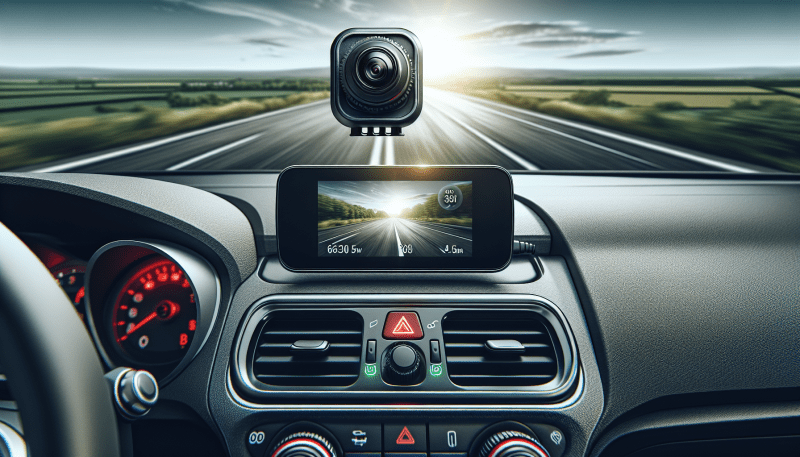
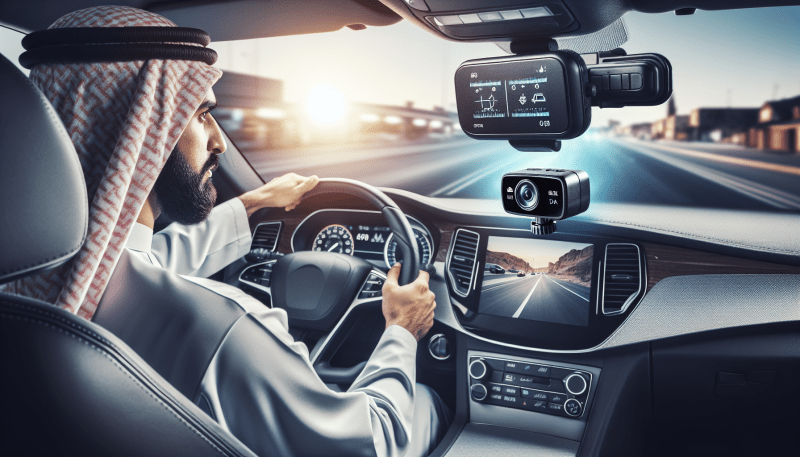
Installing your dash camera doesn't have to be a headache. The key is to choose the right spot on your windshield. Aim for just behind the rearview mirror. This gives you a clear view while keeping the camera out of your line of sight.
Before you stick anything down, test out the mounting position. You want to make sure the camera captures the road ahead without blocking any part of your view. Many dash cams come with adhesive mounts; just make sure you clean the area well before applying. A little rubbing alcohol goes a long way in ensuring a strong hold.
Wiring can be tricky. It’s best to tuck the power cable along the edges of your windshield or underneath the trim for a neat look. This helps keep everything out of the way and prevents any distractions while you drive. Some dash cams even come with a hardwire kit, which lets you connect directly to your car’s fuse box for a clean installation.
Finally, check that your camera is set up correctly. Adjust the angle so it’s capturing what you want, and make sure it’s recording before you hit the road. It’s a good idea to run a quick test drive around the block to ensure everything is working. That way, you’ll have peace of mind knowing your camera is ready for anything that comes your way!